
Week 2: AI risk and how to use AI chatbots in your workflow
US/EMEA cohort: Monday, July 14 at 9am PT | 12pm ET | 5pm UK
Pacific cohort: Monday, July 14 at 4pm PT | Tuesday, July 15 at 9am AEST

Overview
In this session, we covered the most powerful tools of all: AI chatbots. We learned about ChatGPT, Gemini, Claude, Copilot, how to use them at work and keys to great prompt crafting. And we also covered key AI risks and ethical concerns and how to mitigate.
Quick Links
📺 Session recording
🌟 Key points
💻 Session slides
💭 Workout
📚 Further resources
Key points
LLMs are machine learning models trained on a huge amount of data that understand and can generate text in a human-like way. An LLM is the engine behind a chatbot — so GPT-o3 is the LLM behind ChatGPT.
LLMs use complex math to predict the next word to write. Think of them like a calculator for words.
Key limitations are that they’re not great at getting our writing style just right, they lack nuanced context (like we have as humans), they may hallucinate, their context window (aka short term memory) has limits, and their training data will always be out of date
Prompts are the instructions you give a chatbot, and there’s an art to doing them well to optimize outputs.
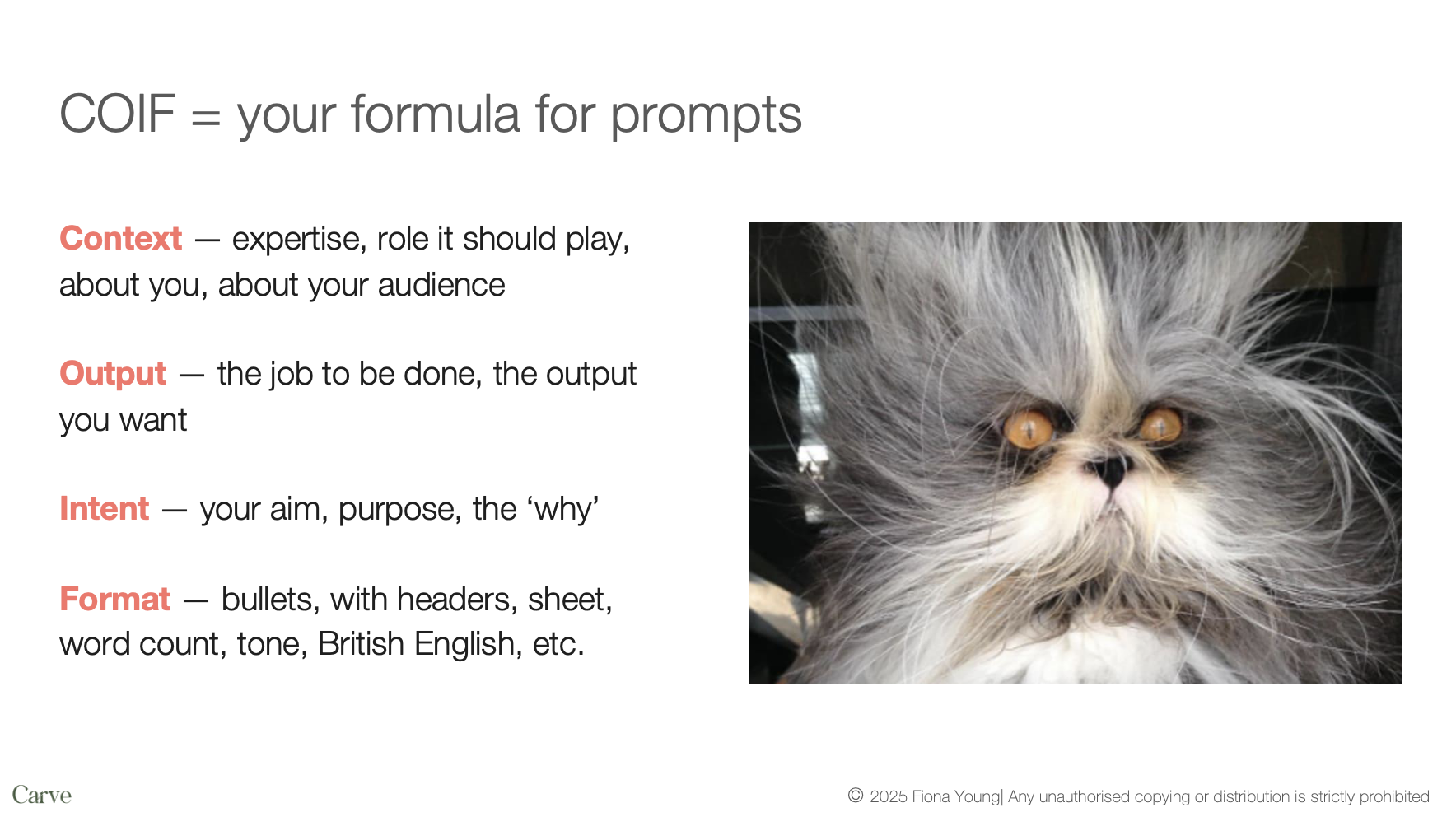
Carve’s prompt crafting framework is COIF: include Context, Output, Intent, Format in every prompt for best results.
10 “buckets” of tasks you can use a chatbot for in your workflow: writing and editing, research, meetings, minutes & events, project planning, travel, expenses, brainstorming as a thought partner, learning and business intelligence, translation and cultural nuances, data cleaning & analysis (see below for detailed appendix).
AI risks overview
Job displacement
First major automation impact on white-collar jobs
World Economic Forum predicts more jobs lost than gained to AI
Data privacy concerns
Most AI tools train on user data by default
Companies typically store conversations for 30 days to monitor for unsafe use, even if not training on your prompts/uploads
ChatGPT experienced a minor data breach back in 2023, highlighting security risks
Other key kisks
Inaccuracy and hallucination in AI outputs
Bias in models, particularly visible in image generation
Environmental impact due to high compute requirements
Copyright and IP uncertainties around AI-generated content
Risk of mediocrity through over-reliance on AI
Session slides

Workout
AKA your post-session action to take
Craft 3+ COIF prompts for tasks you’re doing regularly at work and test them out. A/B test with a basic prompt.
Share one in WhatsApp, and comment on a peer’s share.

Further resources
Prompting demos: non-COIF report summary vs COIF report summary — check out what a difference the COIF detail makes 😲
What is ChatGPT doing, and why does it work? — brilliant technical piece by Stephen Wolfram
Word embeddings and vectorisation — 15 minute video that breaks down how this works in large language models (LLMs)
COIF: the Carve formula for prompts